QCBC now has an app for your iPhone or Android that can conveniently get to our booking page.
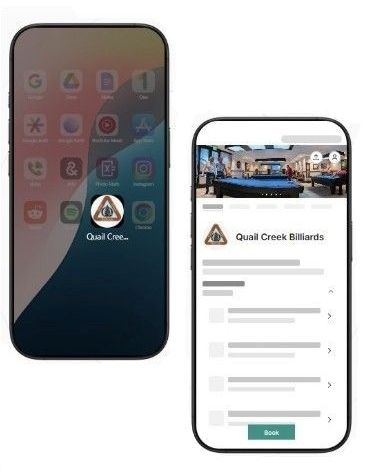

Reserve table time effortlessly on your Android or iPhone with our custom QCBC app! (You wont find our app on the Apple Store or Google Play)
What to expect:
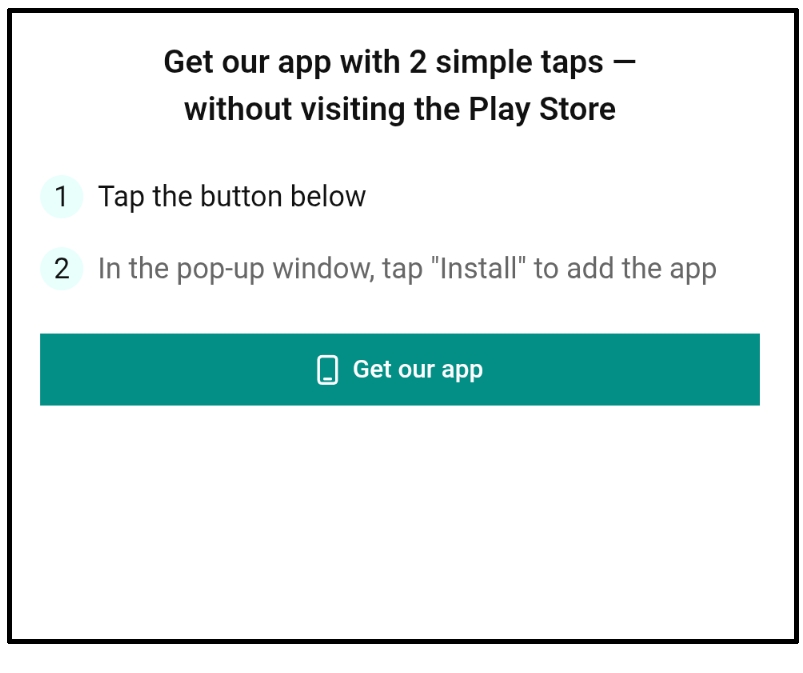
- Hit the Get our app button.
- If you are not on your phone, you will see a QR code. Aim your camera on the QR code and hit that link.
- Hit the “Get our app” button in the dialog
- Hit the “install”.
- Now you need to find the QCBC icon among all the apps on your phone.
- Long press our icon and drag it to your phone’s home screen.
Some users have seen:
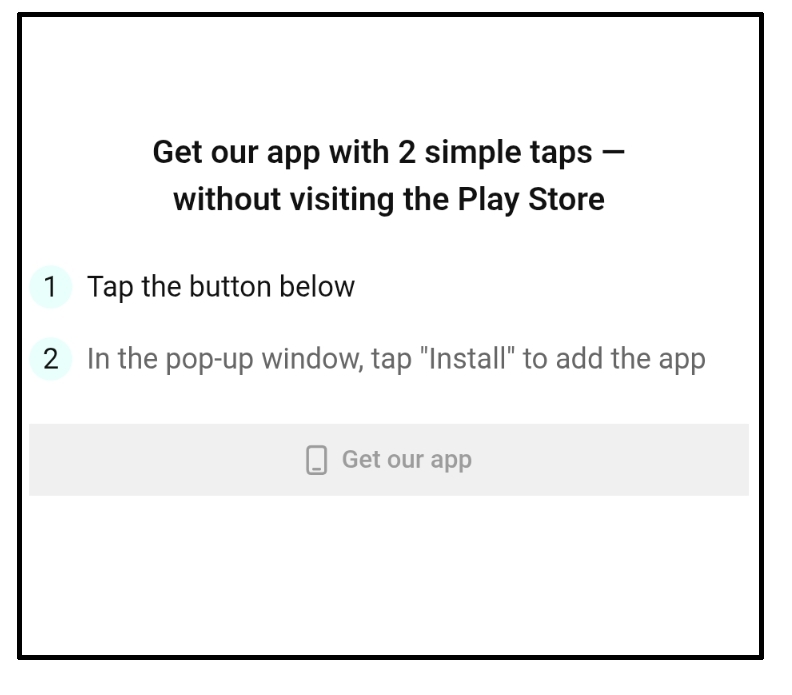
- Hit the Get our app button.
- If nothing happens (the button is not green) our app is probably already on your phone.
- Now you need to find the QCBC icon among all the apps on your phone.
- Long press our icon and drag it to your phone’s home screen.

